Calendar & appointments
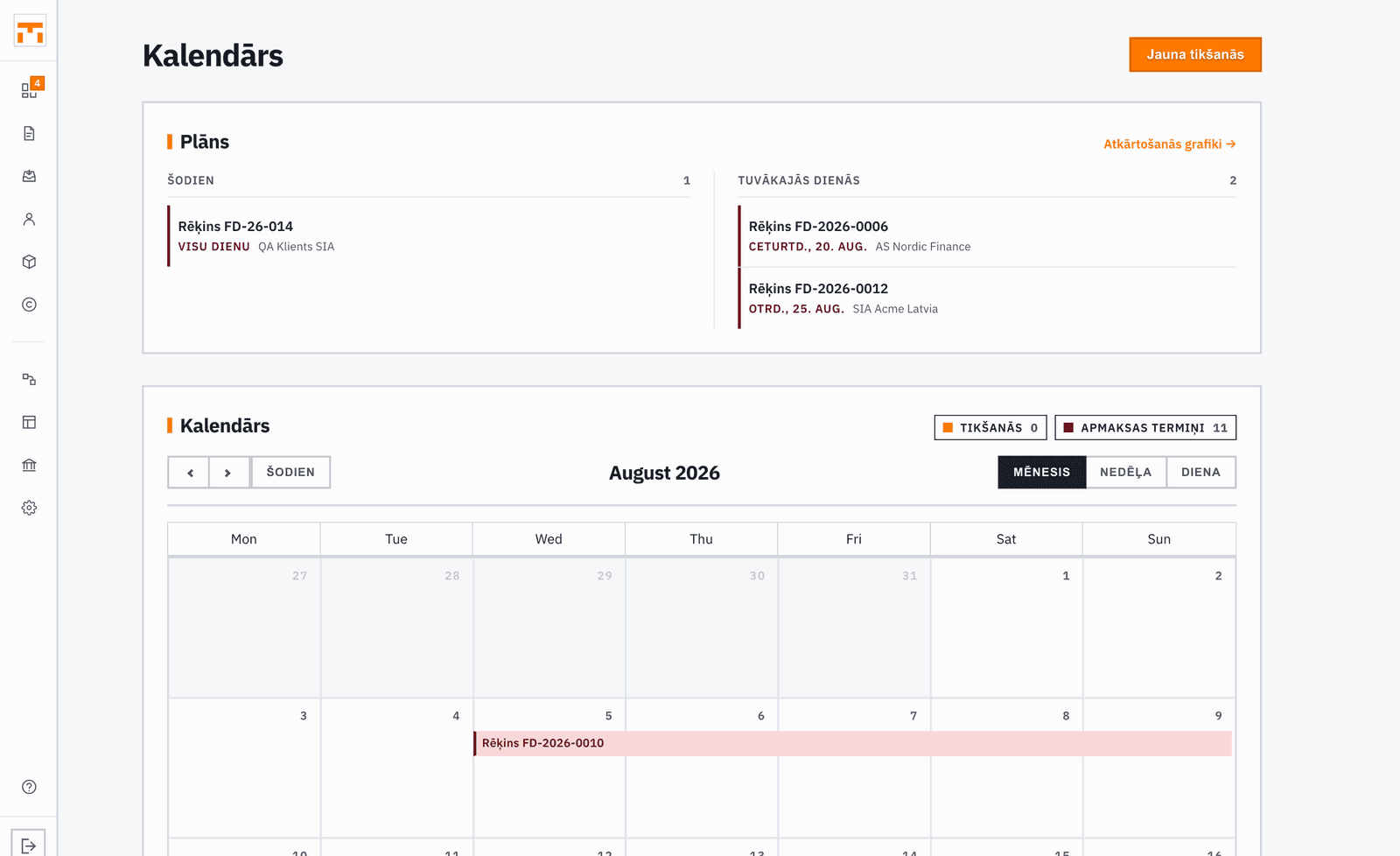
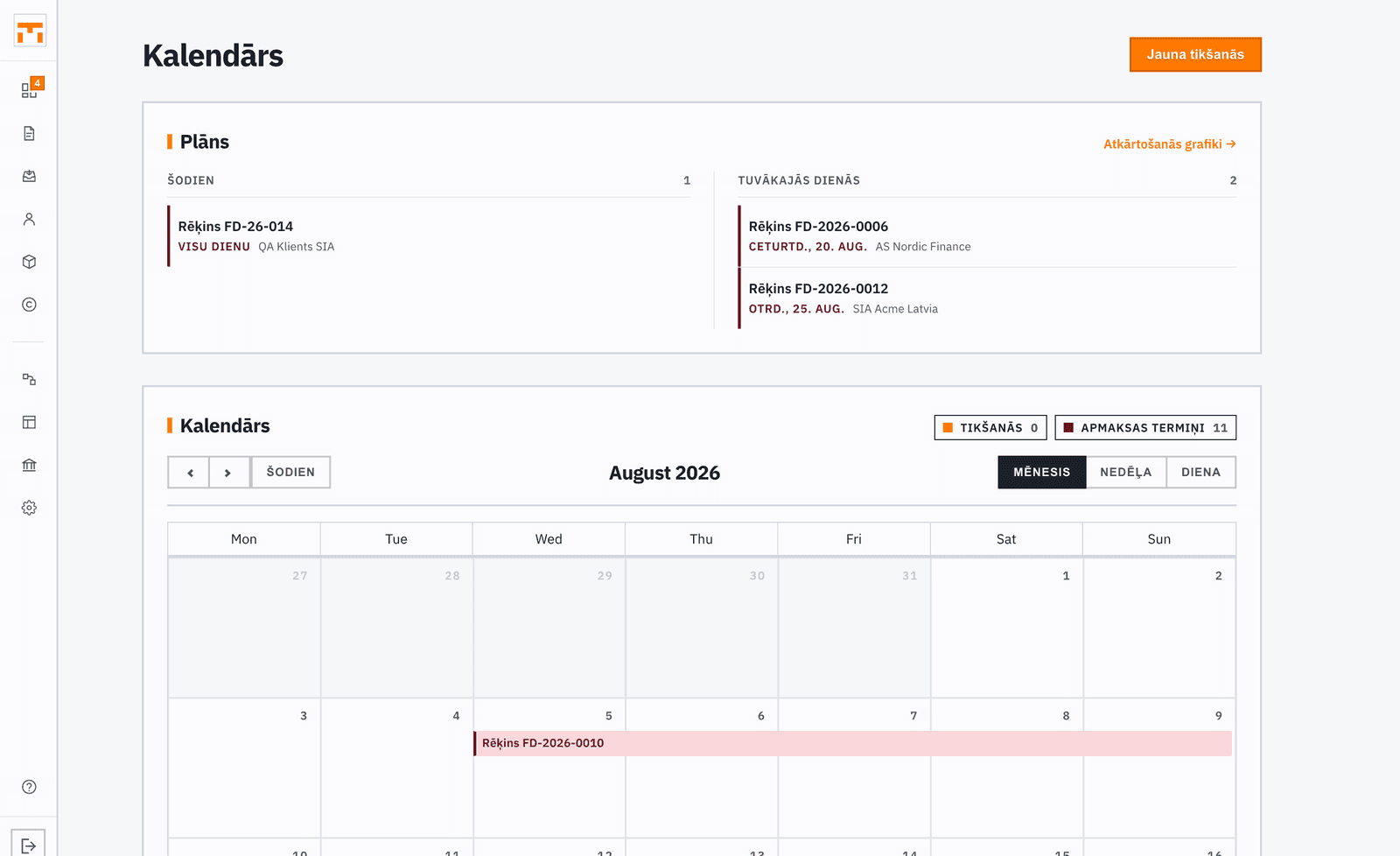
The fakts calendar lets you plan appointments and link them to clients. Reminders keep events from slipping by, and the ICS feed lets you view appointments in your regular calendar app.
Adding an appointment
Open the Calendar section and click on a date or use the "Add appointment" button. Enter a title, date, time, and duration. Optionally pick a client from the client book and add notes.
Appointments are displayed in a calendar view by date and can be edited or deleted at any time.
Reminders
When creating an appointment, you can set a reminder — specify how far in advance you want to be notified about the upcoming event. The reminder is sent to the contact details in your profile.
Subscribing via ICS feed
fakts provides an ICS feed (iCalendar format) that you can add to an external calendar app — such as Google Calendar, Apple Calendar, or Outlook. This way, appointments from fakts appear in your regular calendar without a separate login.
The ICS feed URL is personal — do not share it with others unless you want them to see your appointments.