Company profile & settings
The company settings control what details appear on your documents, which logo is shown on invoices, and how new invoices are set up. Only the account owner can change the company sections; every member also has personal sections of their own.
Your company details
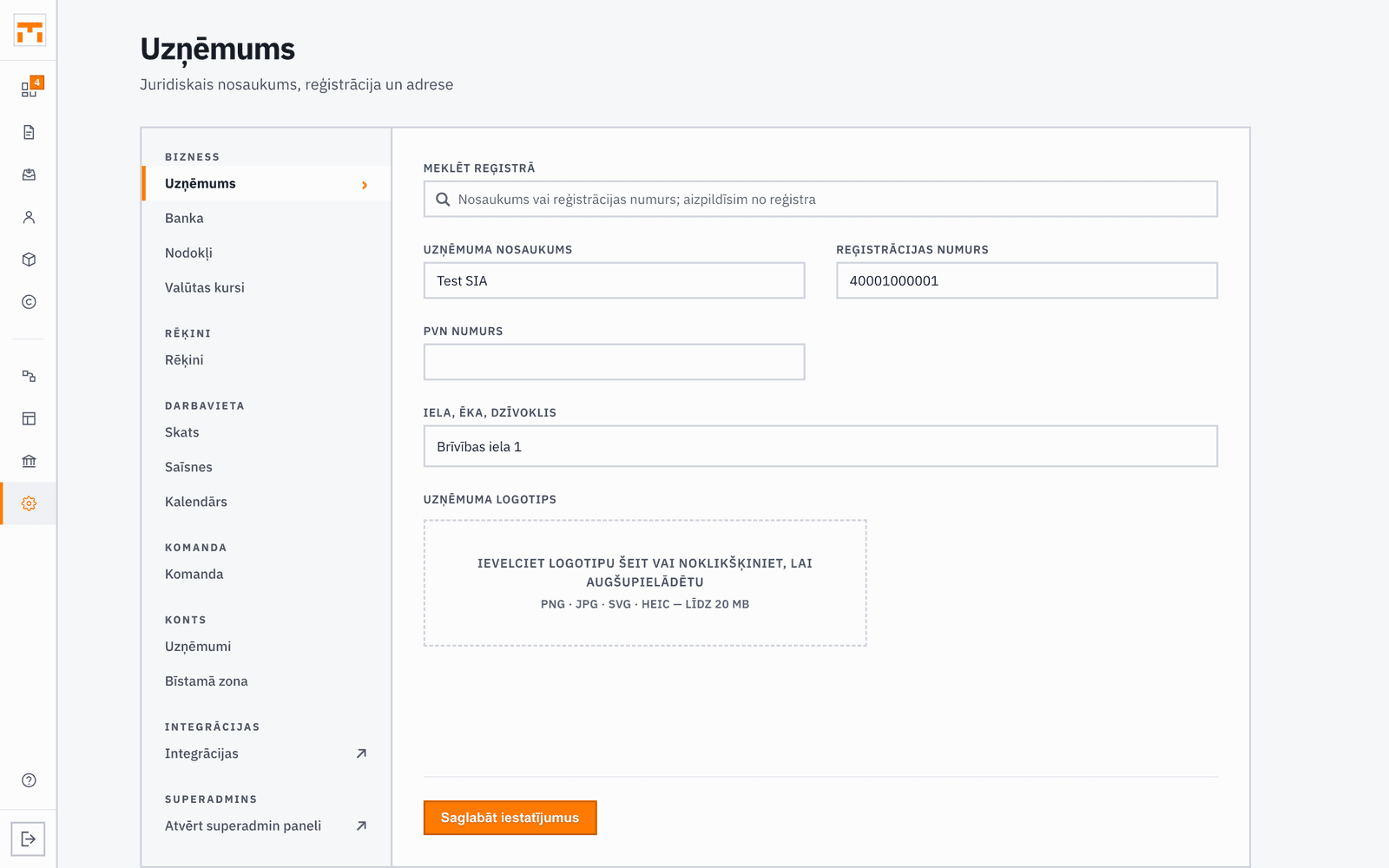
In the Company settings section, fill in your company's core information: name, registration number, VAT registration number (if you are a VAT payer), and legal address. You can find your company in the Enterprise Register by name or number, and Fakts fills the fields from the register. These details are automatically inserted into all invoices, royalty statements, and other documents.
In Banking, enter the bank and the IBAN your clients pay into. For Latvian banks the SWIFT/BIC code fills in automatically.
Make sure the details match what is recorded in the Enterprise Register, especially the name and legal address, as they appear on legal documents.
Branding (logo) on invoices
Upload your company logo in the Company section and it will be added to PDF invoices and other documents. PNG, JPG, SVG or HEIC files up to 20 MB work; a clean image with a transparent background looks best. You can crop the logo before saving it.
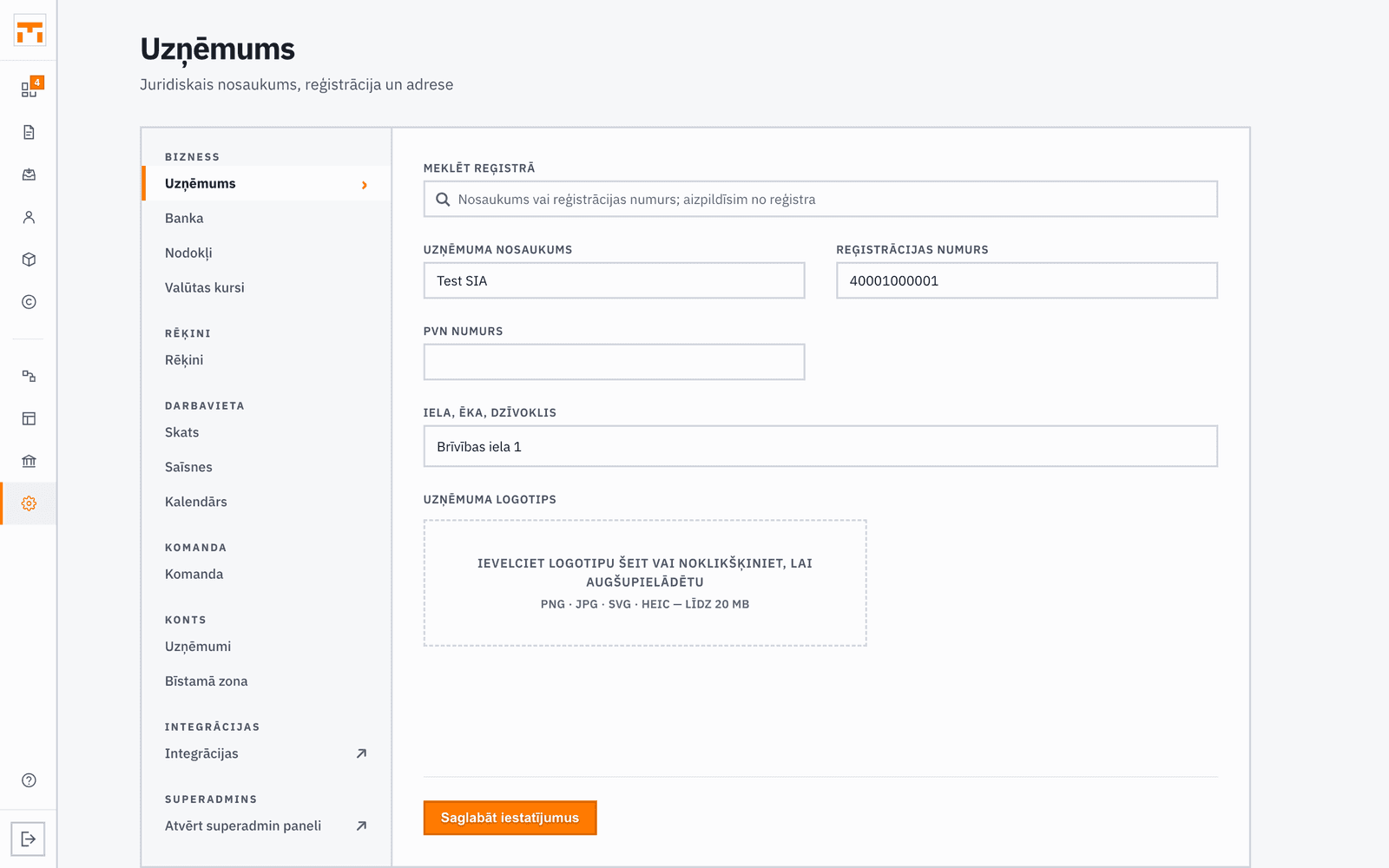
The logo appears on every PDF produced after you save it, including when you download an invoice issued earlier. PDFs already sent by email stay as they were sent. An invoice design can also use a different logo of its own.
Foreign currency and the ECB rate
In Invoicing, choose the default currency for new invoices, along with the default VAT rate, payment term, invoice design, and number format. If you issue an invoice in a foreign currency (for example USD or GBP), Latvian accounting law requires the amount to be shown in euros as well, at the European Central Bank (ECB) reference rate.
Team & roles
In the Team section, invite colleagues by email and give each a role (owner, accountant, employee, viewer). The role decides which modules a user can open and what they can do there.
Permissions can be customised per user, granting or revoking access to specific modules independently of their base role. Settings cannot be granted: they always stay with the owner.
In View, each member can hide the items they do not use from their own navigation. It changes only their own sidebar in this company; other members keep theirs, and the feature and its data stay.