Credit notes & corrections
Mistakes happen, wrong amount, wrong client, a service cancelled after the invoice was sent. A credit note is the correct way to fix or reverse an issued invoice without breaking your number sequence or losing your document history.
When to use a credit note
Use a credit note when an invoice has already been sent to the client and you need to:
- cancel it entirely (the client won't pay, the service was cancelled);
- correct the amount, for example from €500 to €450 (a credit note for €50);
- fix another error, such as a wrong VAT rate or incorrect client details.
Draft invoices that haven't been sent yet can be edited directly, no credit note needed. For sent invoices, a credit note creates a clean paper trail that protects both parties legally.
Issuing a correction in Fakts
Open the original invoice and, in the More actions menu, pick one of three paths:
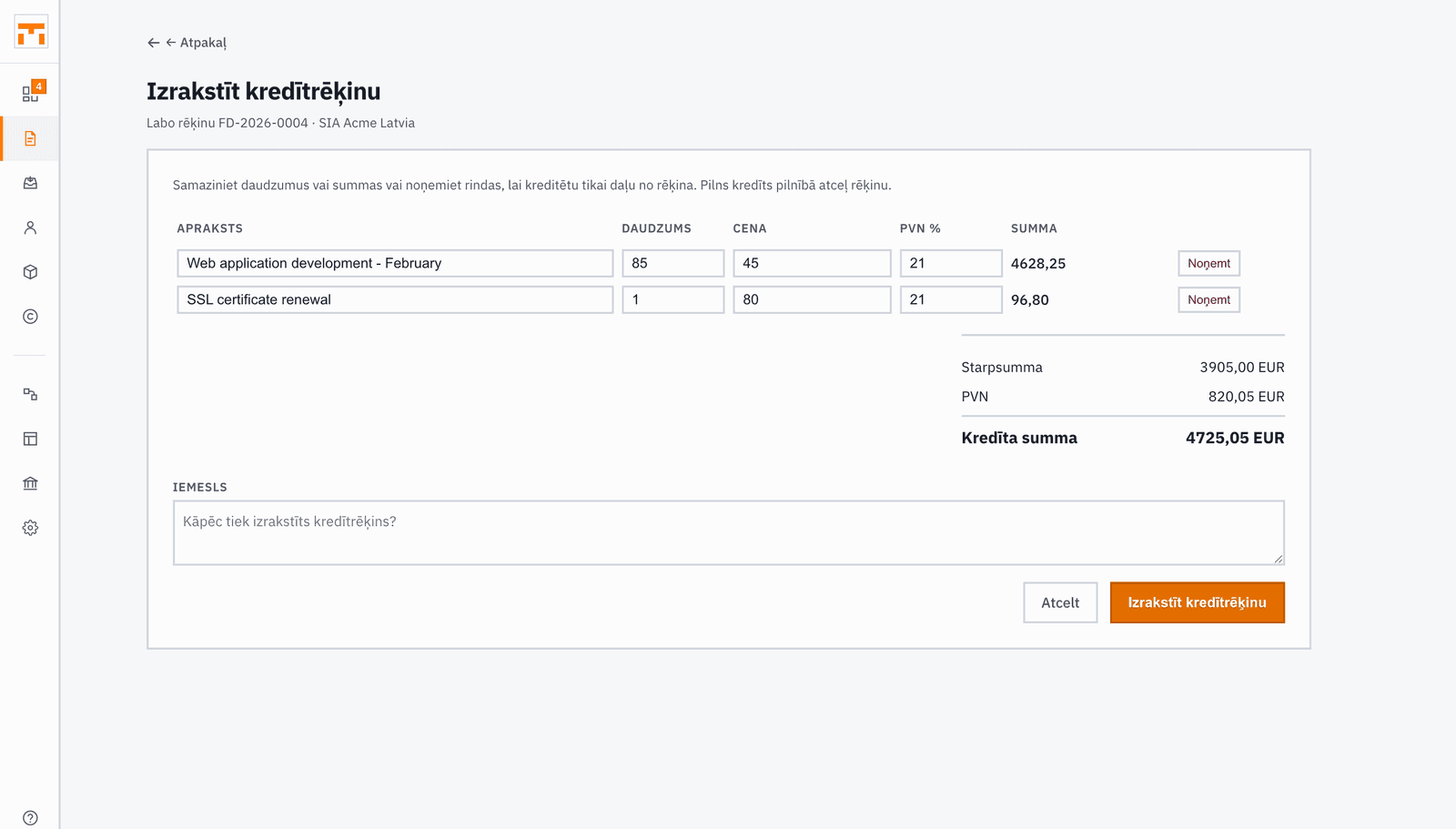
- Issue credit note: a partial correction. Reduce quantities or amounts, or remove the lines you are not crediting, and add a reason if you like.
- Cancel invoice: a full credit note that reverses the whole amount.
- Correct & reissue: Fakts issues a full credit note straight away and creates a new draft invoice from the original's lines, for you to fix and issue again.
The credit note references the original invoice and the client automatically. The first two paths create a draft credit note that you can review before issuing it.
The issue ledger
When an invoice is issued, Fakts keeps its content as it was at that moment. An issued invoice can no longer be edited: its lines, amounts and number stay fixed.
The Issue ledger on the invoice page shows when the invoice was sent and downloaded. Each time the content differs from the previous version, Fakts keeps a new version. The PDF is produced afresh on every download, so your details and the client's (address, bank account) follow your current settings and contacts.