Reusable items & price list
The items catalogue lets you save commonly used goods and services together with their price and VAT rate. When creating an invoice, just pick an item from the list, nothing needs to be retyped.
Saving an item
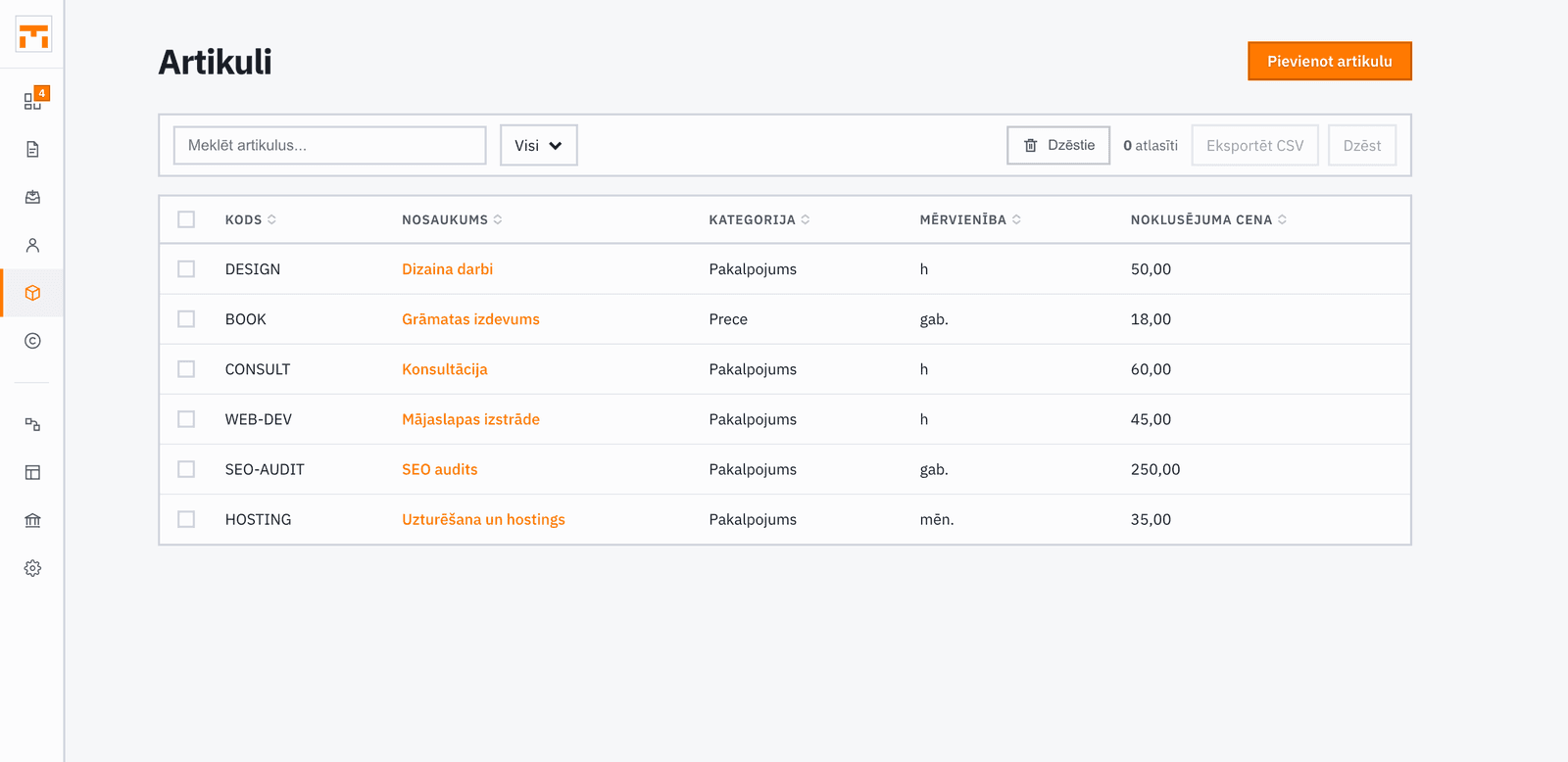
Open the Items section and click Add item. Give it a name and, optionally, a code, a description and a category (product or service). The code fills in automatically, but you can replace it, for example with your own SKU. The name is what appears on the invoice line, so write it in terms your client will understand.
Once saved, the item is available on all new invoice forms. You can also save a new item straight from an invoice line with Save to catalog.
Default price and VAT rate
Each item can have a default price, VAT rate, and unit of measure (for example: hour, piece, set). When you add the item to an invoice, its name, price and VAT rate fill in automatically, but you can always override them on the invoice form without changing the catalogue. The unit stays on the item record and is not printed on the invoice.
Setting a VAT rate on the item prevents mistakes, especially if you offer different goods with different rates (for example, 21 % on services and 5 % on books).
Adding items to an invoice
When building an invoice, start typing an item name in any line field or pick from the suggestions that appear. Adding an item fills in its name, price, and VAT rate automatically.
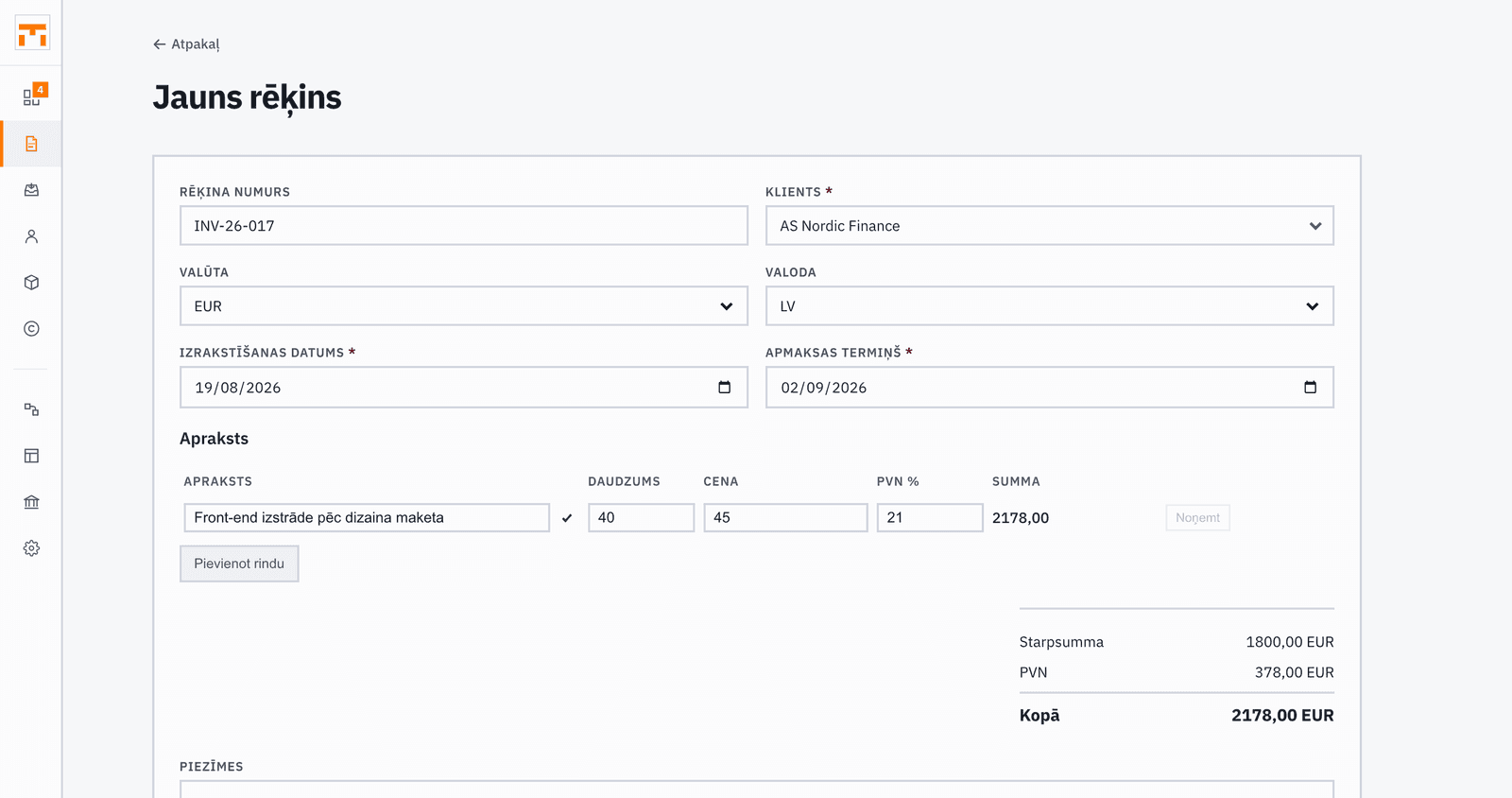
Quantity and price can always be changed on the invoice itself. Those changes do not write back to the catalogue, every invoice is independent.